Aurora FREE
A northern lights background made with procedural noise.
Overview
A northern lights background made with procedural noise.
- Procedural simplex noise generation
- Customizable base color and variation
- Adjustable speed and intensity
- Performant off-screen rendering
- Transparent background support
A northern lights background for Framer
Aurora fills a section with soft curtains of light that drift and ripple like the aurora borealis. The rays come from procedural noise, so the pattern never repeats, and the motion is slow enough to sit behind a headline without pulling attention from it. It is one of the simplest ways to make a dark hero feel premium.
You set intensity, base color, color variation, speed and blur in Framer's properties panel. It is free, renders off-screen on a canvas, and supports a transparent background.
Features
Organic flow. Light rays that move unpredictably but rhythmically, like a real aurora.
Color from one setting. Pick a base color and set how far the hues vary from it (0 to 180 degrees).
Off-screen rendering. Drawn on an off-screen canvas so the page stays responsive.
Transparent background. Layer the lights over a section color or image.
Where Aurora works best
SaaS and AI landing pages. A dark navy section with a teal or green aurora behind a short headline and two buttons. It looks expensive without competing with the product screenshot below.
Meditation, wellness and sleep apps. Purple or soft cyan with low speed reads as calm and night-time, which fits the product's promise.
Travel and outdoor brands. The classic green aurora above a photo of mountains or snow, using a transparent background, turns a static image into a scene.
Newsletter and waitlist pages. A single centered email field over Aurora makes a minimal page feel finished.
How to Use
Customization
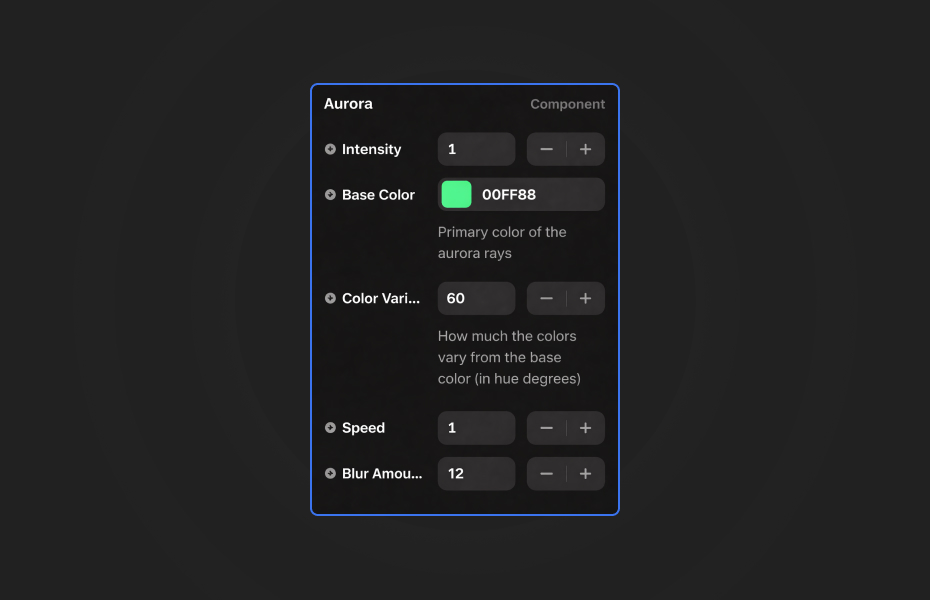
Intensity
- Density of the aurora rays (0.1 to 2)
Base Color
- Main color of the rays
Color Variation
- How far colors vary from the base color (0 to 180 degrees)
Speed
- How fast the rays flow
Blur Amount
- Glow intensity and softness
Starting settings
Classic aurora. Green base color, 60 degrees of variation, intensity 0.8, speed around 0.6, medium blur.
Calm purple. Violet base color, 40 degrees of variation, intensity 0.6, speed 0.5, high blur.
Bold hero. Cyan base color, 90 degrees of variation, intensity 1, speed 0.8, low blur for sharper rays.
Performance and mobile
Keep intensity at 1 or below for smooth animation on most devices, and lower it on phones. Slower speeds (0.5 to 0.8) look more elegant and cost nothing extra. Give the section a dark fill color close to the aurora's background so the first paint already looks right.
Compared with similar components
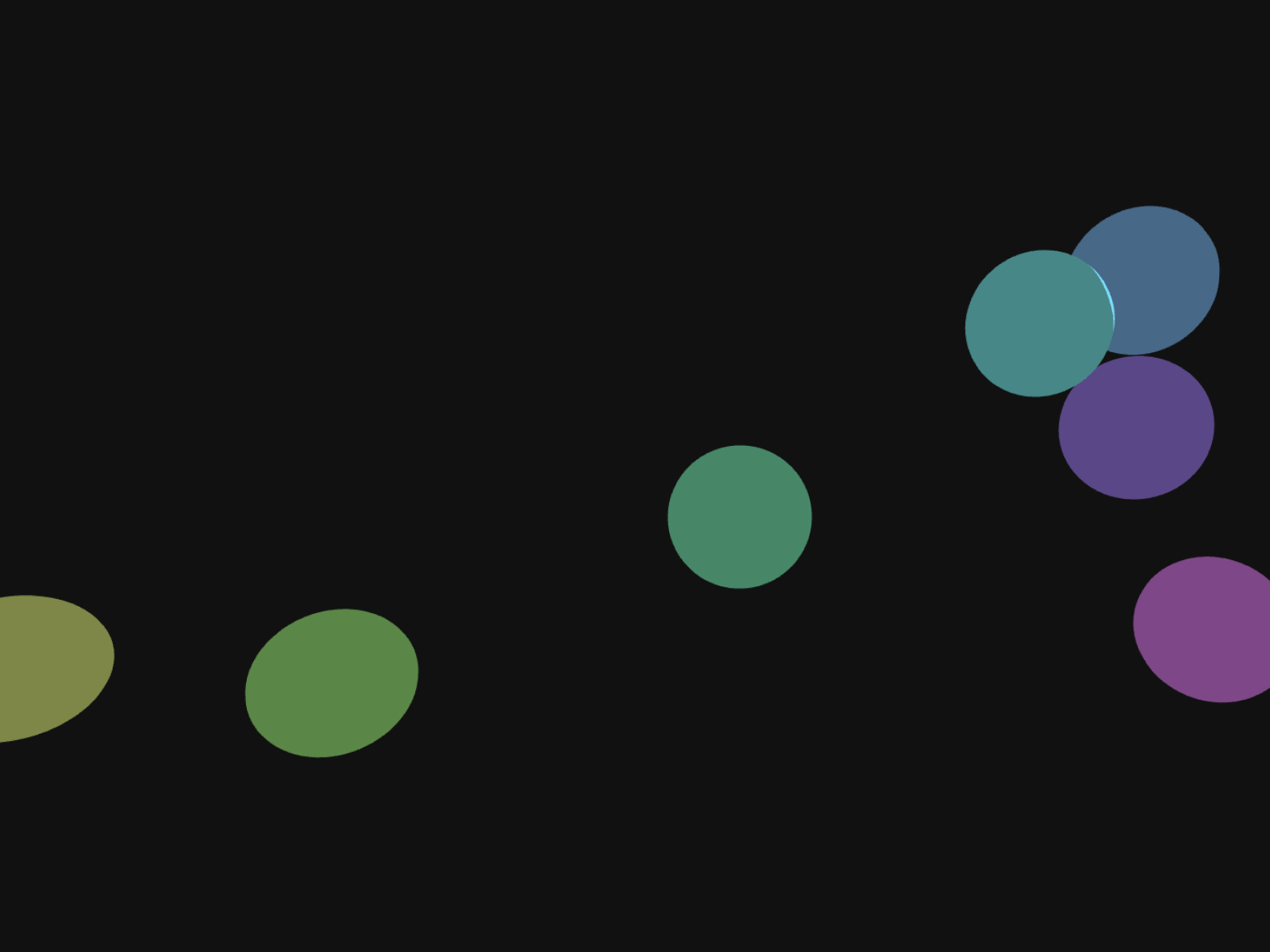
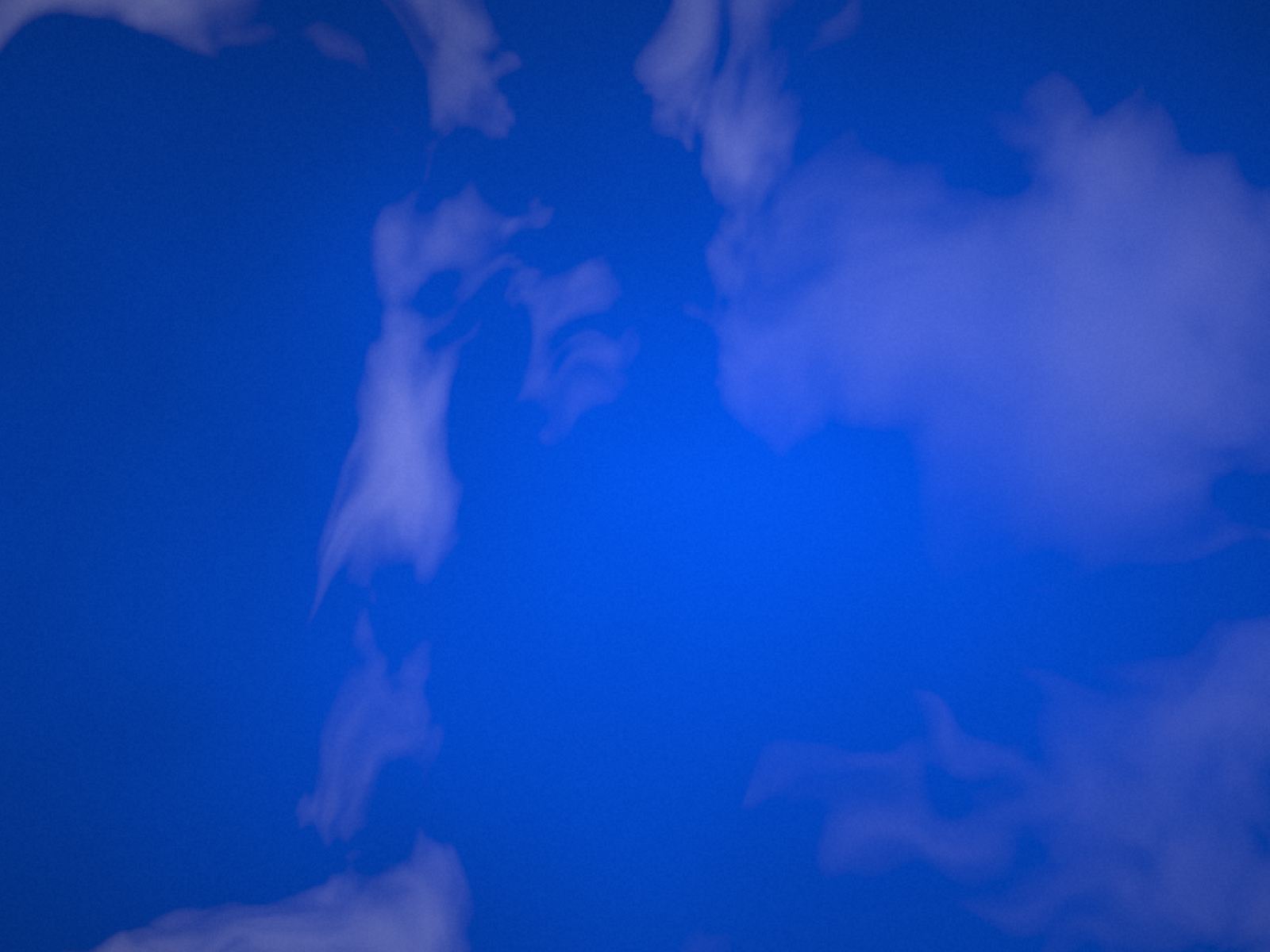
Shift is made of large glowing orbs that drift and change color, which is even calmer. Bokeh Orbs adds soft, out-of-focus circles for a lighter look. Clean Sky animates daytime clouds. Choose Aurora when you want flowing light on a dark background.
Credits
How to install Aurora in Framer
- Click "Download Now" and sign in with your free FramerHub account
- Open your FramerHub dashboard
- Find Aurora in Recent Purchases and click "Copy URL"
- Open your Framer project
- Paste it anywhere on the canvas (Cmd/Ctrl + V)
License
Free component: use it freely in personal and commercial projects.
Aurora FAQ
Is Aurora free?
Yes. It is a free component; sign in with a free FramerHub account to copy it, and use it in personal and commercial projects.
How do I get the classic green northern lights look?
Set a green base color with about 60 degrees of color variation. Purple or cyan base colors give other moods.
Will Aurora slow down my page?
It renders off-screen on a canvas so it does not block the main thread. Keep intensity at 1 or below for smooth animation on most devices.
Can I put text on top of Aurora?
Yes. Place your content above the component and use a contrasting text color. Lower intensity and higher blur keep long copy readable.
Aurora - FREE
A northern lights background made with procedural noise.
Trusted by agencies and freelancers
2,000+ Framer users rely on FramerHub plugins and components to build serious client sites.
"The Best Framer CMS Filtering Plugin I've Found — Truly a Game-Changer. I've tested a lot of Framer CMS filtering and sorting components — both free and paid — and this is by far the best one I've come across."
- Pierre Azalbert · CMS Filter
"Excellent product and super speedy and helpful support from the team!"
- Chloe Dovey · CMS Masonry Lightbox
"We had tried a couple of other Framer CMS filter components but they were buggy, hard to use and support was slow or non-existent. CMSFilter is easier to use and has a lot of added functionality."
- Mark Williamson · CMS Filter
"CMS Masonry-Lightbox is a super flexible and polished CMS grid that makes any portfolio shine. I especially love the support for local videos and the great customer support behind it."
- Rick van der Wal · CMS Masonry Lightbox
"I got a CMS featuring setup from Shahul Hameed, and it works perfectly. He was super helpful, guided me through everything, and even stayed up late to make sure I had no issues. Great experience overall!"
- Amarachi · CMS Filter
"Very happy with this purchase. Also the creators are very helpful, can only recommend."
- Petia Dimitrova · CMS Masonry Lightbox
"He really helped me out when I needed assistance adding it to my Framer project. Super fast customer support highly recommend!"
- Salman Abdulrazaq Ali
"Love the plugin, so glad you made it. … Thanks for building what Framer should have, you did a great job with it."
- Nathaniel DeSantis, Podcast Studio X · CMS Scheduler
"I updated the main CMS component in Framer and the bug is fixed now :) You are quick man! Love it."
- Marek · CMS Filter
"Amazing! This fixed the issue. Thanks so much for the help :)"
- Julie Elise Hauge · CMS Filter
Got questions? We've the answers
Got questions? We've the answers
Everything you need to know about FramerHub.