Image Slit Scan
A slit-scan distortion effect for images that plays on hover.
Overview
A slit-scan distortion effect for images that plays on hover.
- Smooth slit-scan distortion effect
- Hover or always-on trigger modes
- Adjustable strength and frequency controls
- Overflow settings for edge effects
- Works with any image or aspect ratio
- Lightweight and performance-optimized
- Zero coding required
VFX Image Slit Scan
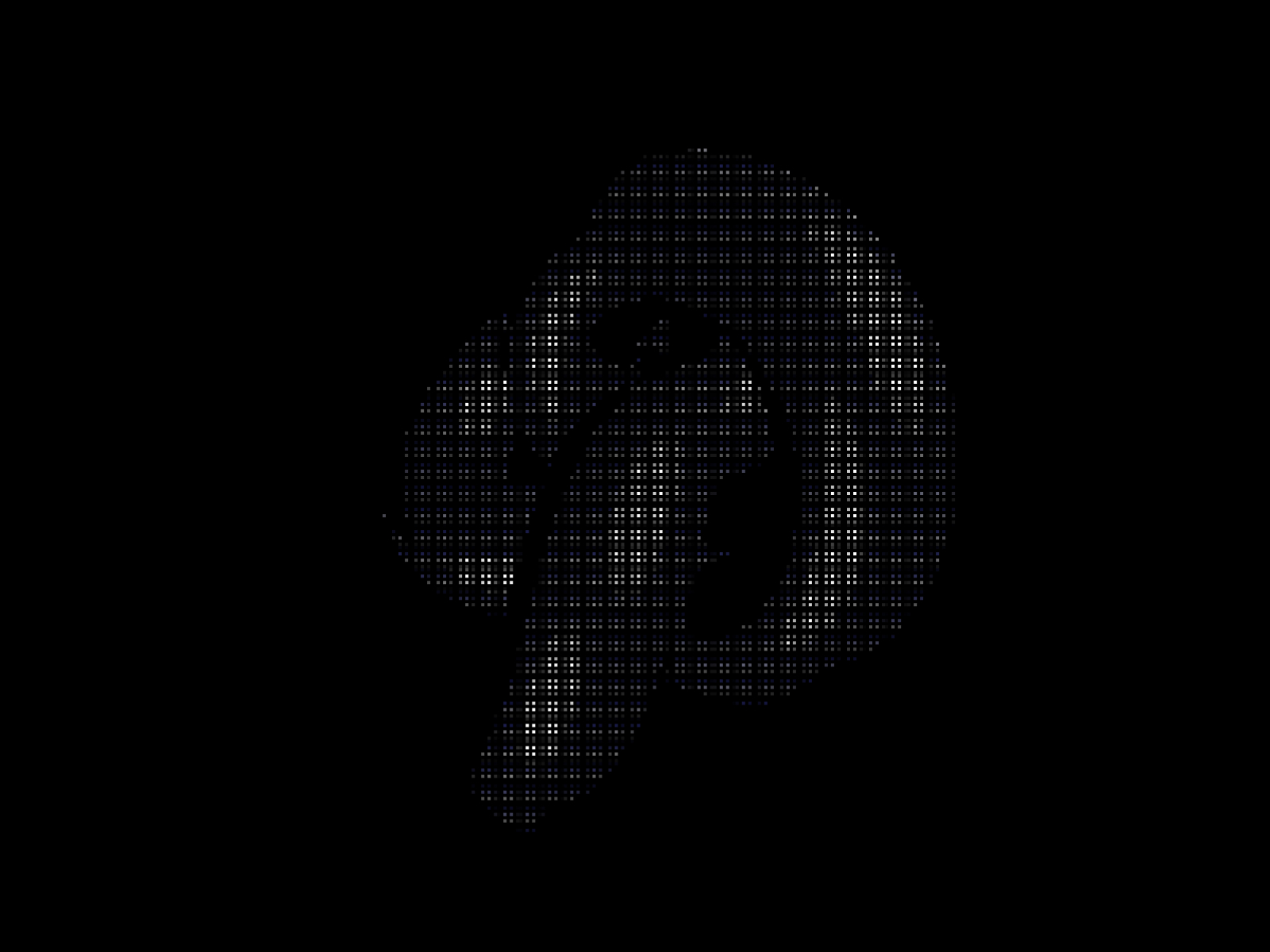
A sci-fi slit-scan distortion for images, rendered with Three.js WebGL shaders. The image smears into waving bands, all the time or on hover.
Features
Three.js shaders. The distortion runs in a WebGL shader.
Spring transitions. The effect eases in and out with spring physics.
Strength and frequency. From a subtle wave to a chaotic smear.
Triggers. Always on, or on hover, with an invert option.
Use Cases
Tech landing pages. A sci-fi look for the brand.
Experimental portfolios. An unusual treatment for project images.
Music and event sites. A glitchy, high-energy look.
Product launches. A reveal for a new tech product.
How to Use
Customization
Image Settings
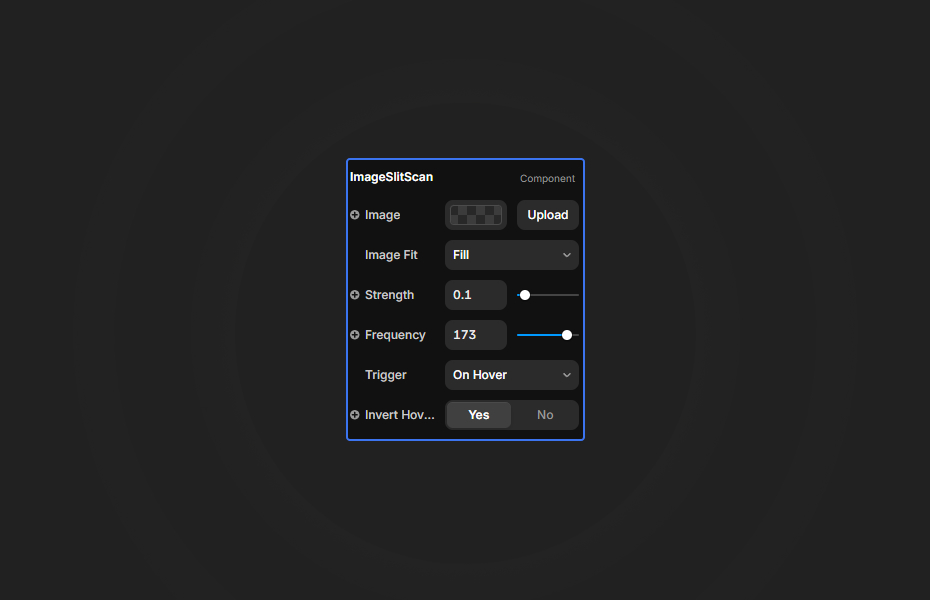
- Image: Select your image (responsive image support)
- Image Fit: Choose Fill, Cover, or Contain
Effect Settings
- Strength: Intensity of the distortion (0-2)
- Frequency: Wave frequency of the slit-scan (1-200)
Trigger Options
- Trigger: Always or On Hover
- Invert: Flip the hover logic
Quick Tips
Subtle. Strength 0.3 to 0.5.
Chaotic. Frequency 100+ with strength 1.5+.
Hover. Set Trigger to Hover with Invert on to show the effect when visitors point at the image.
How to install Image Slit Scan in Framer
- Purchase Image Slit Scan above
- Open your FramerHub dashboard
- Find Image Slit Scan in Recent Purchases and click "Copy URL"
- Open your Framer project
- Paste it anywhere on the canvas (Cmd/Ctrl + V)
License
Single-use license: use it in one client project with full commercial rights. No redistribution. 1 license = 1 client.
Questions before buying? Read the refund policy or email hello@framerhub.io.
Image Slit Scan - $9
A slit-scan distortion effect for images that plays on hover.
Trusted by agencies and freelancers
2,000+ Framer users rely on FramerHub plugins and components to build serious client sites.
"The Best Framer CMS Filtering Plugin I've Found — Truly a Game-Changer. I've tested a lot of Framer CMS filtering and sorting components — both free and paid — and this is by far the best one I've come across."
- Pierre Azalbert · CMS Filter
"Excellent product and super speedy and helpful support from the team!"
- Chloe Dovey · CMS Masonry Lightbox
"We had tried a couple of other Framer CMS filter components but they were buggy, hard to use and support was slow or non-existent. CMSFilter is easier to use and has a lot of added functionality."
- Mark Williamson · CMS Filter
"CMS Masonry-Lightbox is a super flexible and polished CMS grid that makes any portfolio shine. I especially love the support for local videos and the great customer support behind it."
- Rick van der Wal · CMS Masonry Lightbox
"I got a CMS featuring setup from Shahul Hameed, and it works perfectly. He was super helpful, guided me through everything, and even stayed up late to make sure I had no issues. Great experience overall!"
- Amarachi · CMS Filter
"Very happy with this purchase. Also the creators are very helpful, can only recommend."
- Petia Dimitrova · CMS Masonry Lightbox
"He really helped me out when I needed assistance adding it to my Framer project. Super fast customer support highly recommend!"
- Salman Abdulrazaq Ali
"Love the plugin, so glad you made it. … Thanks for building what Framer should have, you did a great job with it."
- Nathaniel DeSantis, Podcast Studio X · CMS Scheduler
"I updated the main CMS component in Framer and the bug is fixed now :) You are quick man! Love it."
- Marek · CMS Filter
"Amazing! This fixed the issue. Thanks so much for the help :)"
- Julie Elise Hauge · CMS Filter
Got questions? We've the answers
Got questions? We've the answers
Everything you need to know about FramerHub.